Ball Arsenal
Ball Arsenal Page
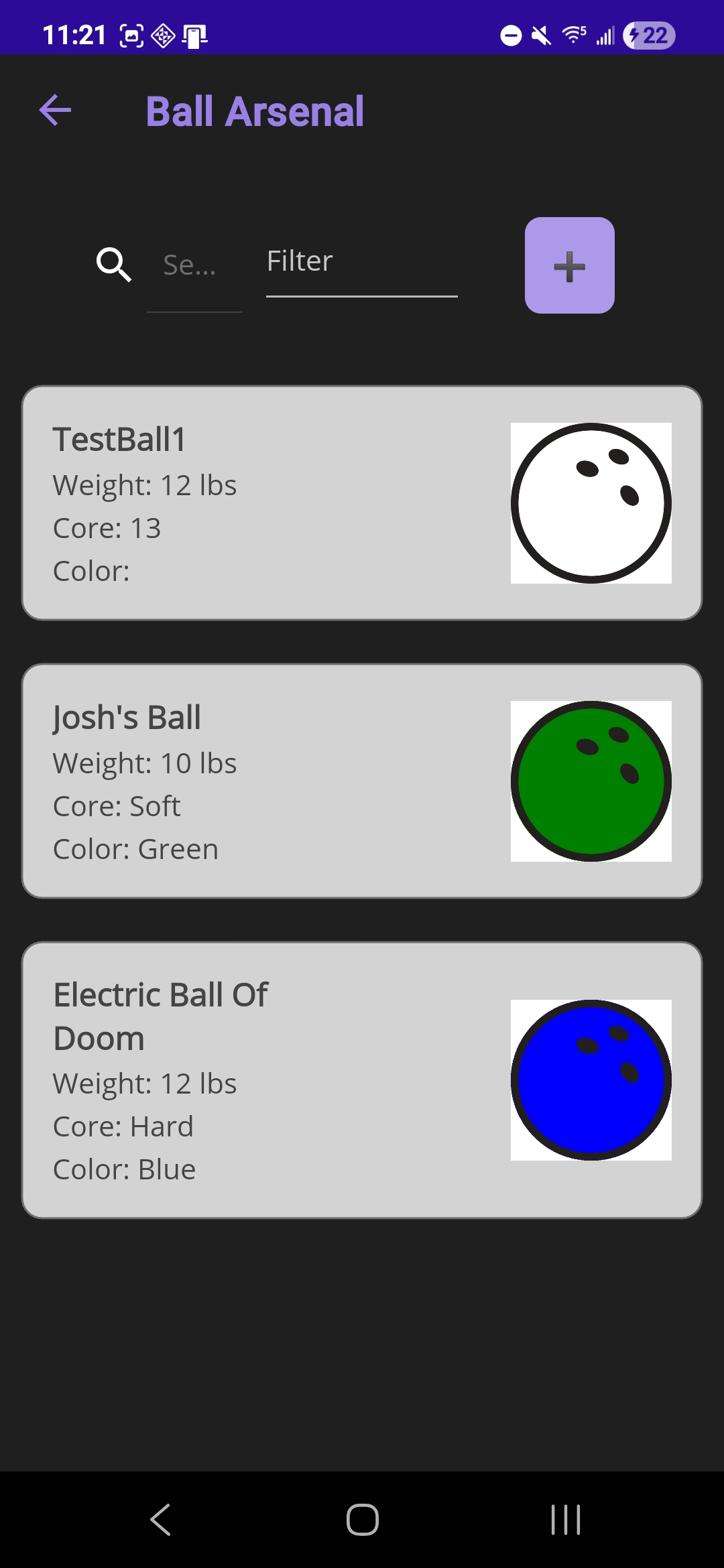
The Ball Arsenal page, provides users with a comprehensive overview of their available bowling balls. This interface displays key attributes for each ball, including the name, weight, core type (optional), and color. To register a new ball, users can select the “+” icon located in the upper-right corner of the page, which navigates to the input form.
 |
|---|
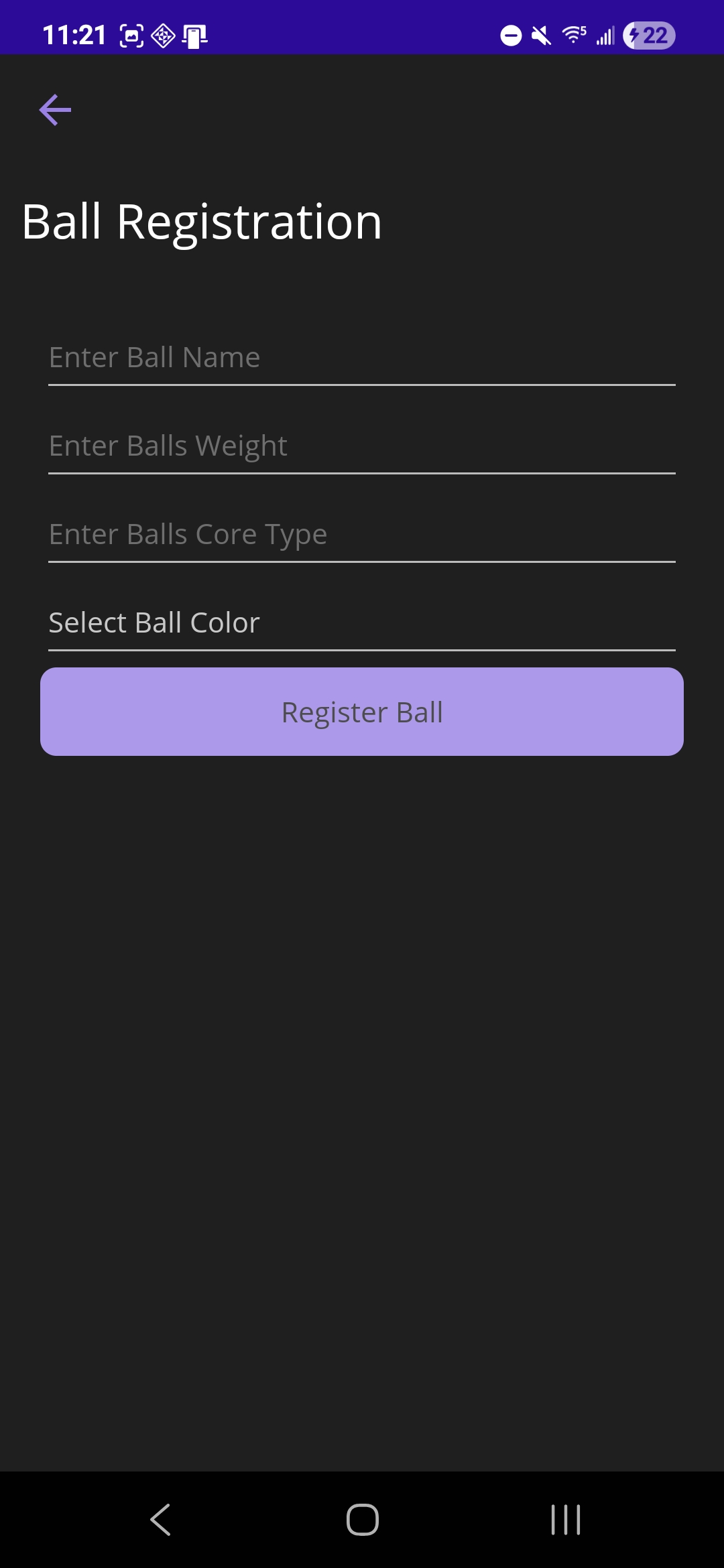
Within the ball registration form, users are prompted to enter the ball’s identifying information: name, weight(optional), core type, and color. Color can be chosen from a dropdown menu, which also allows for custom hex color input. Upon selecting the “Register Ball” button, the system stores the entry and updates the Ball Arsenal display to include the newly registered ball.
 |
|---|