Ball Arsenal
Ball Arsenal Page
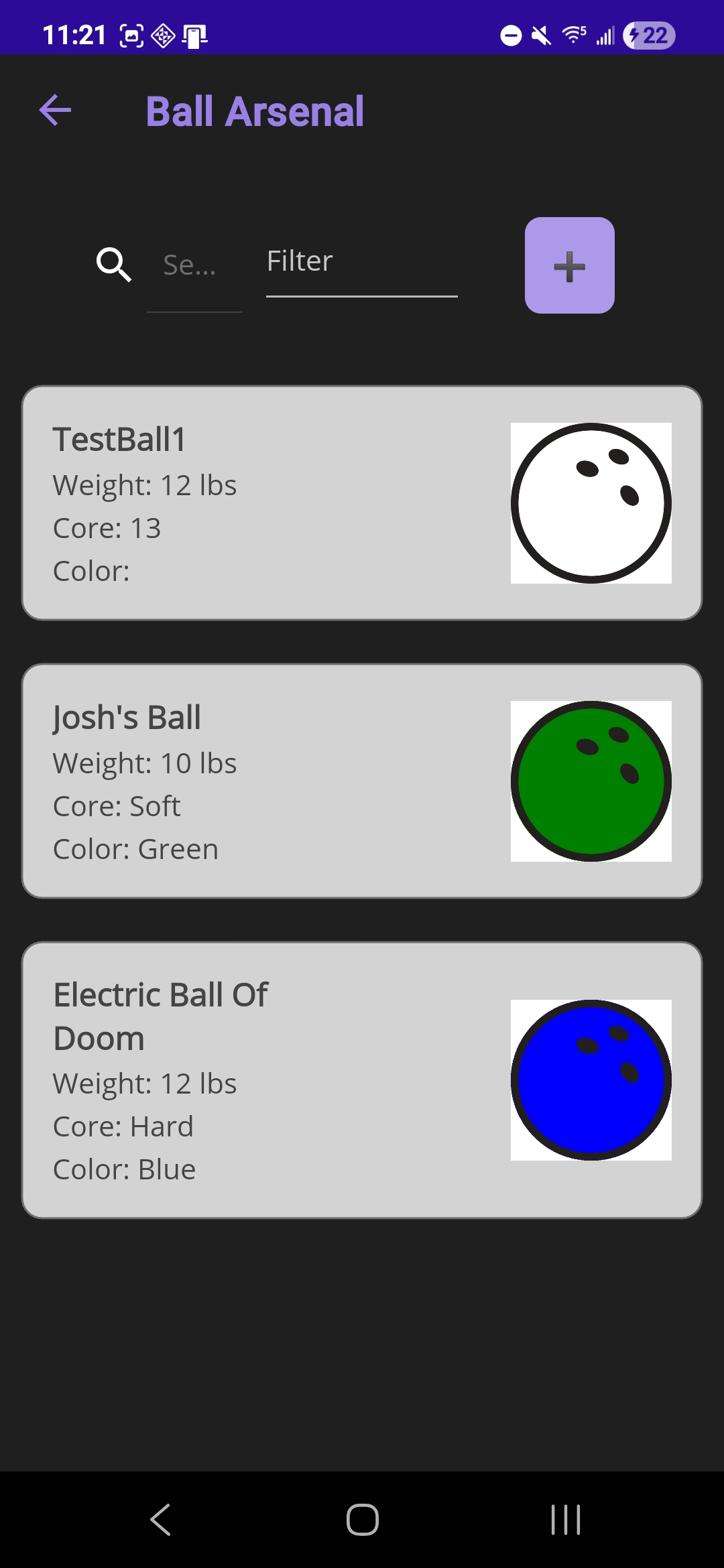
The Ball Arsenal page, provides users with a comprehensive overview of their available bowling balls. This interface displays key attributes for each ball, including the name, manufacturer, ball name from manufacturer, serial number, weight, coverstock, core, color, and comments. To register a new ball, users can select the “+” button located in the upper-right corner of the page, which navigates to the input form. Each ball has an “Edit” button in the bottom right. Clicking this brings the user back to the ball registration page where they can edit or disable a ball. If a ball is disabled, the name will appear red on the page. That ball will also become invisible to any other part of the app unless it is re-enabled.
 |
|---|
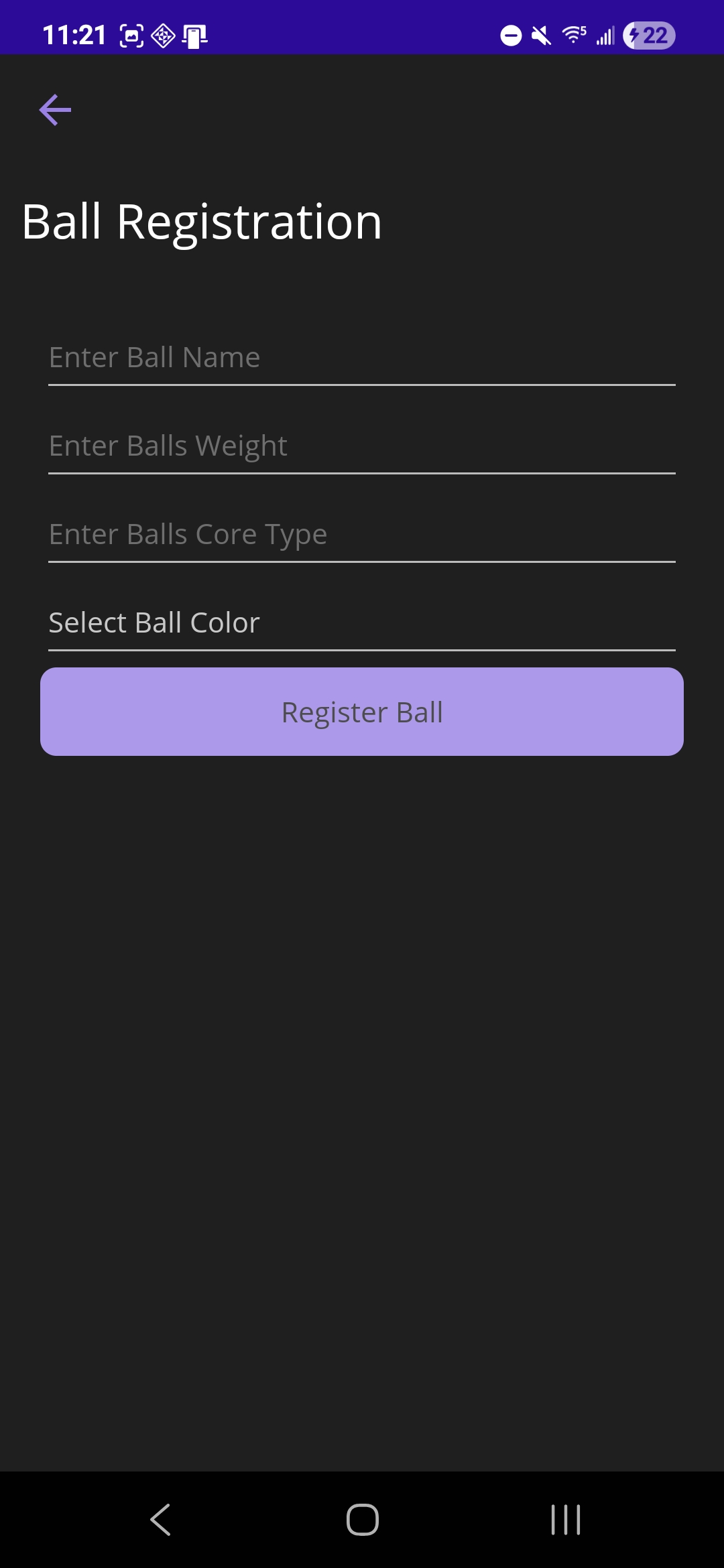
Within the ball registration form, users can enter ball information. The following information is required: name, manufacturer, manufacturer name, core type, and color. Upon selecting the “Register Ball” button, the system stores the entry and updates the Ball Arsenal display to include the newly registered ball.
 |
|---|