Game Page
Game page
 |
|---|
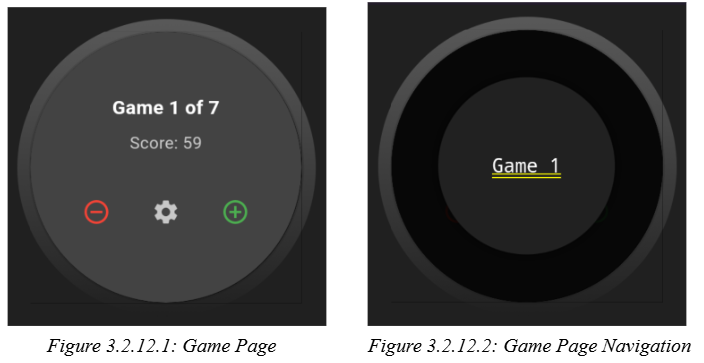
The game page, as shown in Figure 3.2.12.1, acts as the game overview view, the game selection screen, as well as the main navigation screen. The game page enables the user to navigate between games by a tap-and-hold pop-out carousel where the user can swipe between games as seen in Figure 3.2.12.2. The cog wheel button navigates the user to the developer settings page. The user can navigate to the frame pages by swiping up from this screen.