Frame Page
Frame Page
 |
|---|
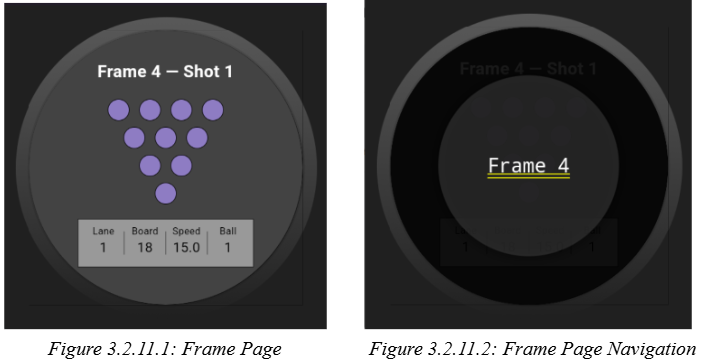
The frame page, as shown in Figure 3.2.11.1 acts as the frame overview view, the frame selection screen, and the shot navigation screen. The user can navigate between frames by a tap-and-hold pop-out carousel where the user can swipe between frames as seen in Figure 3.2.11.2. The user can navigate between shots if more than one exists by swiping horizontally. Shot 2 does not exist if Shot 1 has not been completed. Similarly, the user cannot see or access a frame beyond the current active frame. Each frame object maintains an ordered list of shot records, and when the user begins a shot from the frame page, it constructs a new shot page instance with the correct frameShotIndex, the current standing pin state and any previously selected values like lane, ball, or board.