Event Page
Event List
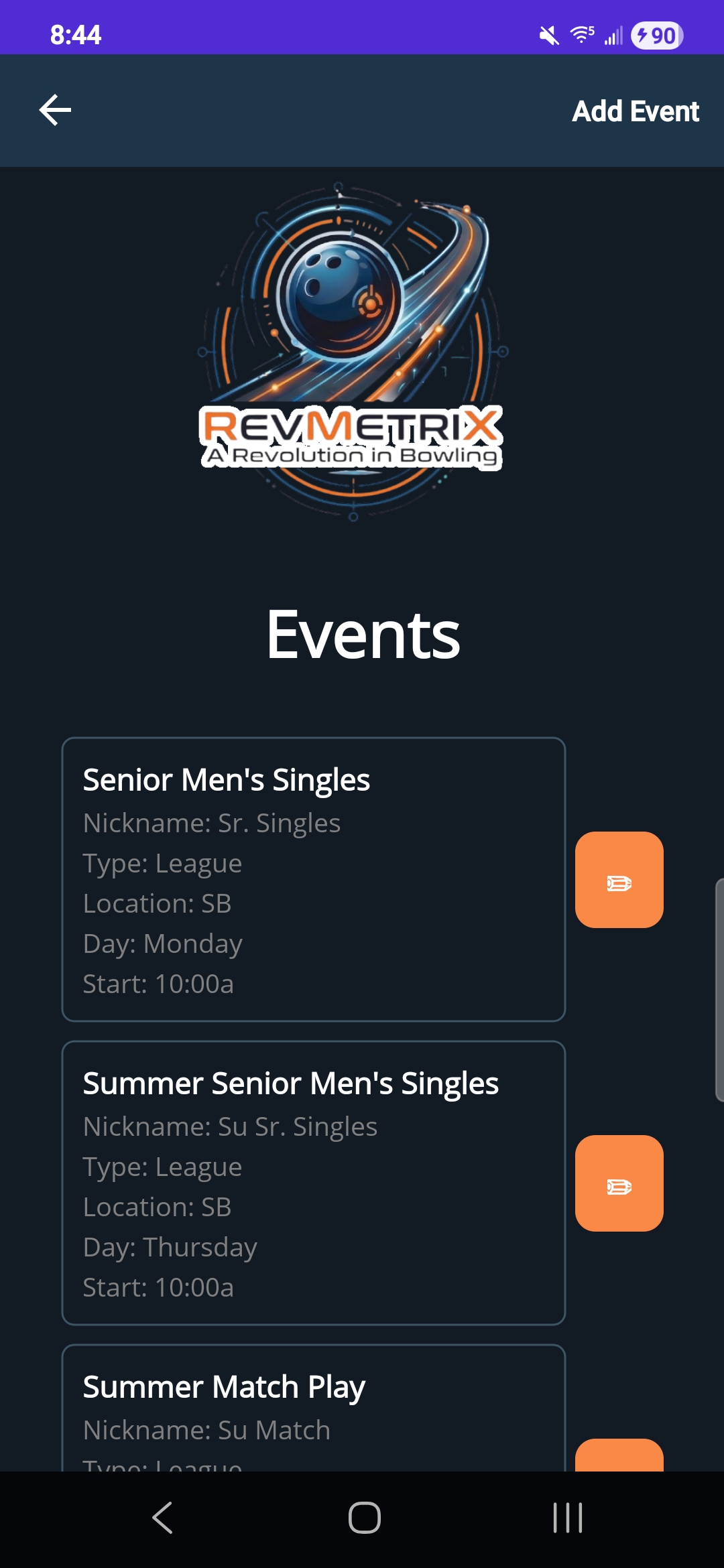
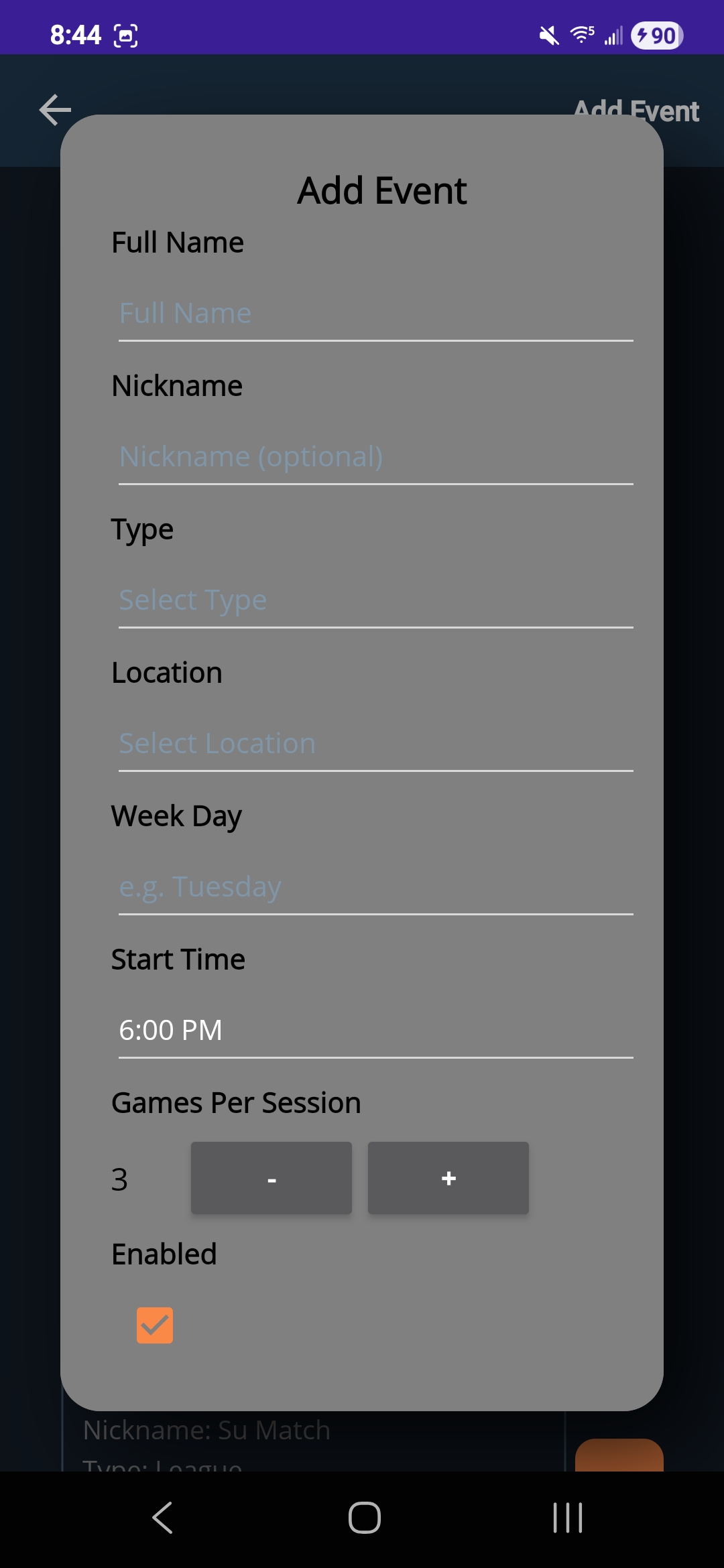
The Event list page displays all of the users registered events. In the top right corner, users can tap the ‘Add Event’ button to bring up the event registration popup. This popup contains fields for name, nickname, type(practice, league, tournament, anonymous), location (linked to an establishment), day of the week played, start time, and number of games per session. Users can either cancel or click ‘Add Event’ to create the new event and go back to the main event list page. Each event item shows its name, nickname, type, location, day of the week played, and a start time. A user can click on any one of these event items to navigate to that events session list page. Finally, the orange pencil button next to each event triggers the registration popup to edit event information.
| Event List | Event Registration Popup |
|---|---|
|
|