Session Page
Session List
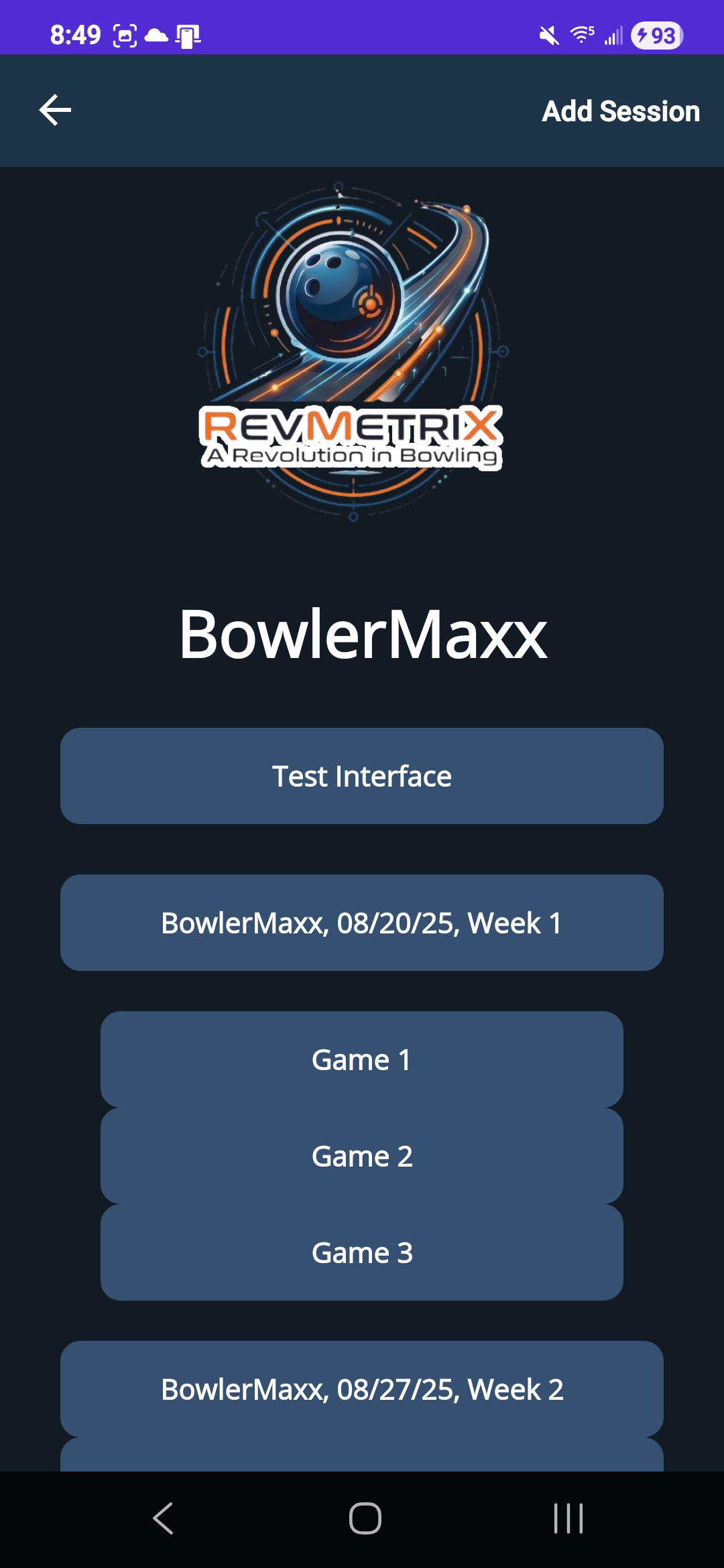
The Session list page displays all sessions and corresponding games associated with a user. In the top-right corner, users can tap the ‘Add Session’ button to create a new session, which brings up a popup to enter a session’s date and time. Users can either click out of the popup to cancel or click ‘Create Session’ to create the new session. Sessions are displayed on the page as a combination of the session name, date, and week number. Selecting a session reveals its associated games. An ‘Add Game’ button will appear under the session if the maximum number of games has not been reached yet. This number is determined by the event the session is associated with. Clicking on a specific game navigates to the Shot page, where individual frame and shot data can be entered. Additionally, a ‘Test Interface’ button is available to bypass session and game selection, taking the user directly to the Shot page for quick testing or development purposes.
| Session List |
|---|
|