Ciclopes Page
Ciclopes
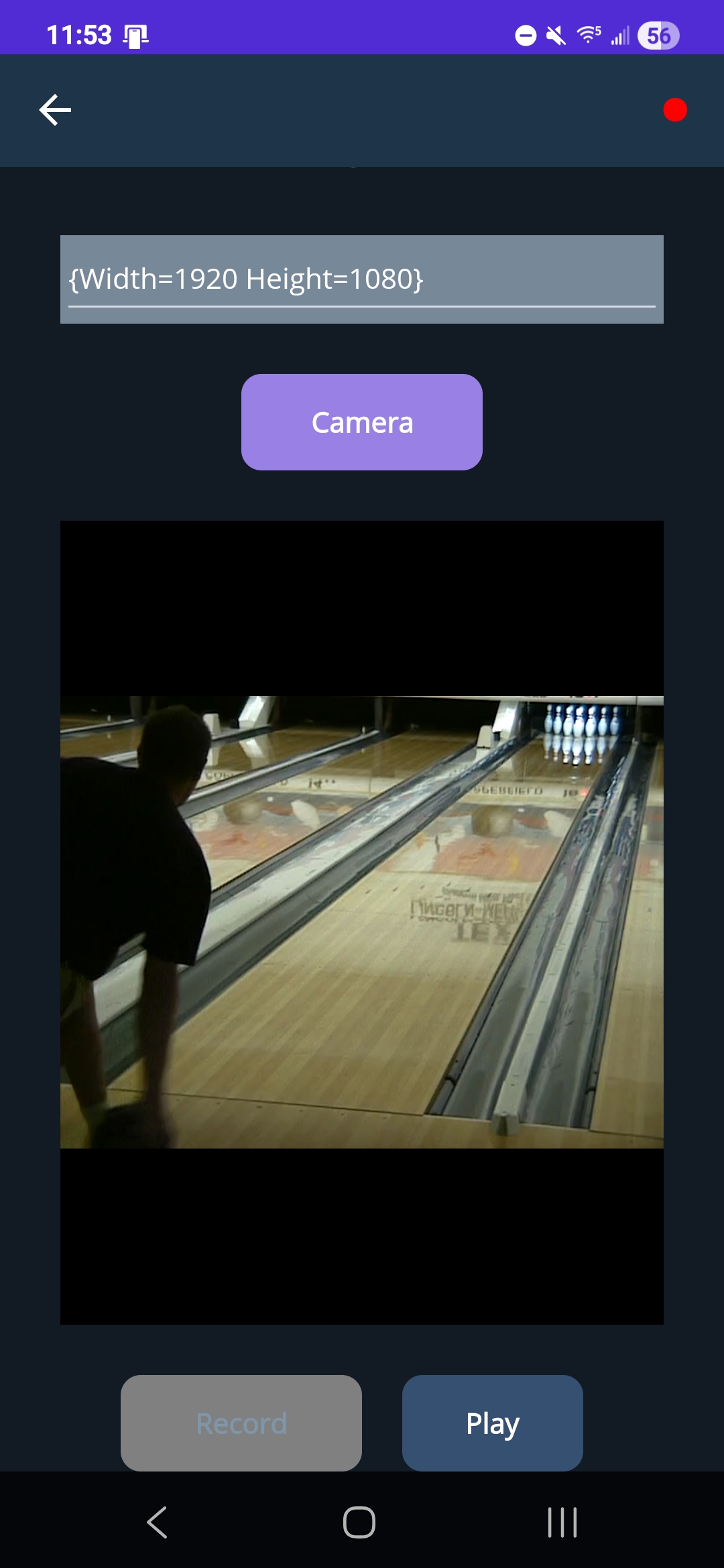
The Ciclopes page provides users with the ability to record video of a bowling lane to use with the Ciclopes software. This page is currently only compatible with Android devices. At the top right of the screen is an either red or green dot. Users can click on this to connect to a SmartDot module or view the current connection. A green dot means the phone is connected to a SmartDot. A red dot means the user is not connected to a SmartDot. Below the RevMetrix logo, users can select a resolution they wish to record in and press the record button at the bottom of the screen to start recording. The record button then becomes a stop button which is used to stop recording. After this, users can select where they want to save the video to on their phone. The default name is a date/time, but this can be changed by the user. The ‘Demo’ button below the resolution picker allows users to enter demo mode. This populates the camera view with a sample bowling video. Playing this video mimics real recording.
| Video Recording | Trajectory Visualization | Pose Estimation |
|---|---|---|
|
|
|