Stats
Stats Page
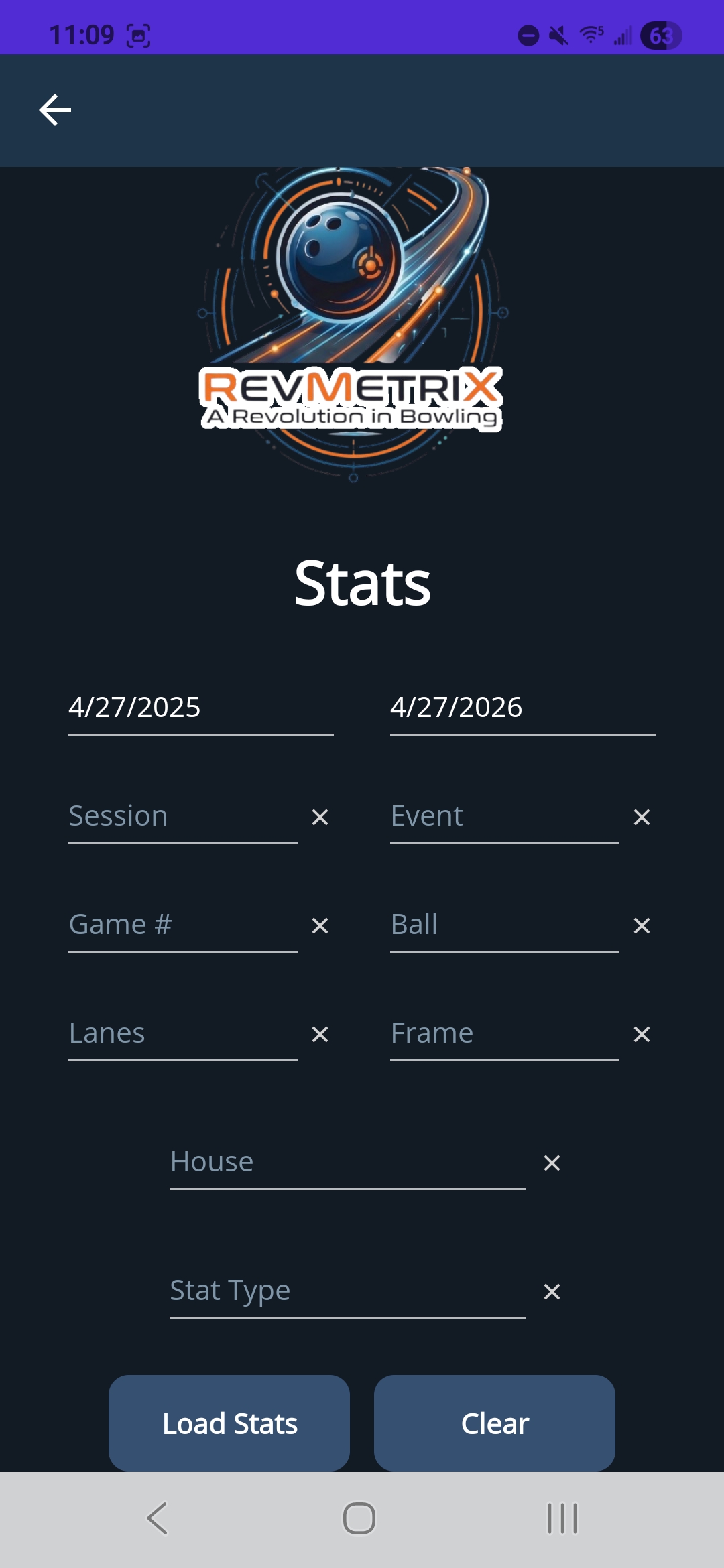
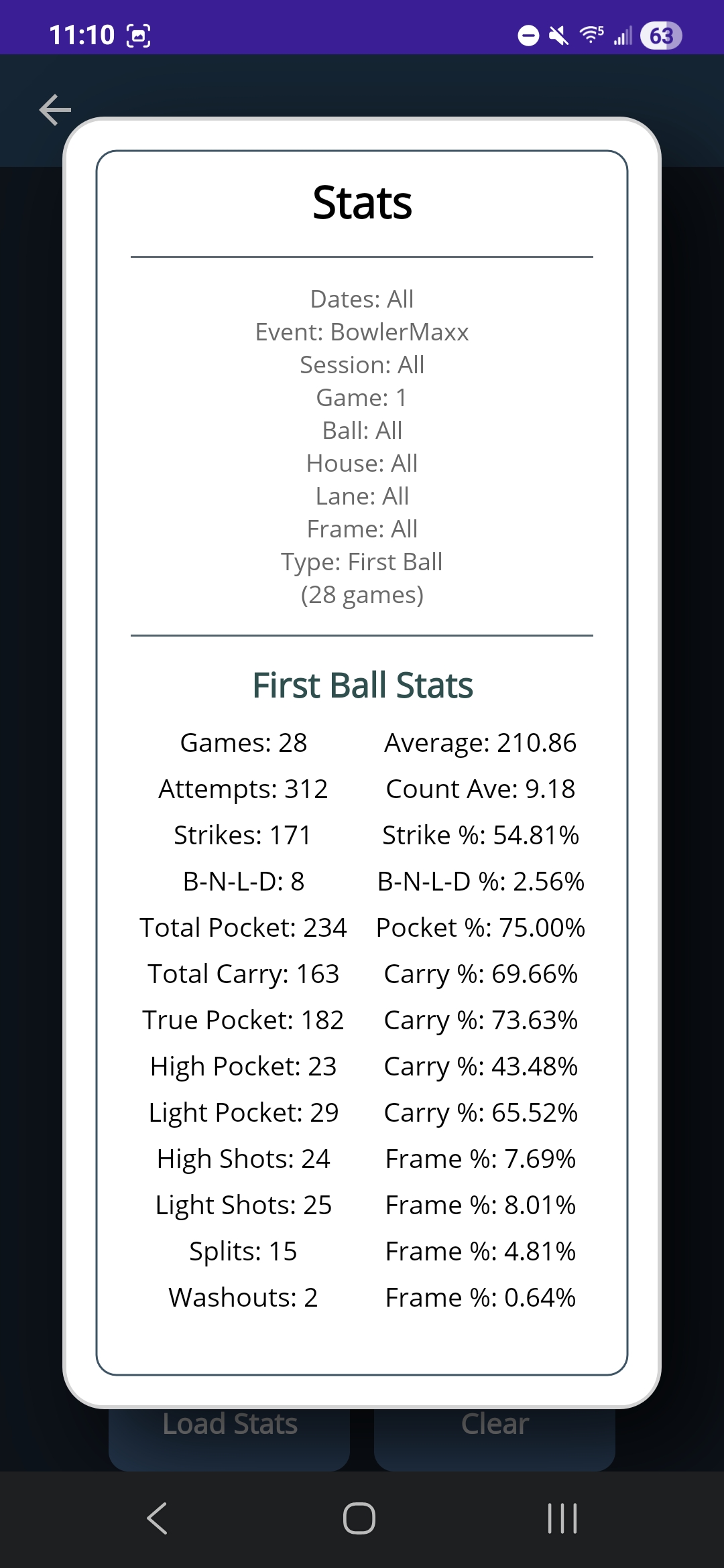
The stats page allows users to create custom queries to pull out different sets of data from the database. This can be done by selecting any combination of the following: “start date”, “end date”, “session”, “event”, “game”, “ball”, “lanes”, “frame”, “house”, and “stat type”. Each of these dropdowns are binded to the current user’s database. The “Load Stats” button submits the current combination of the dropdowns to query the database. A popup will appear showing what query data was selected and one of the 3 different types of stats: game, first ball, and second ball. If a stat type is not selected, an error message will appear telling the user they must select a stat type. Game stats displays the number of games returned from the query, the game score average, the highest score, lowest score, strike percent, spare percent, and open percent for those games. First ball stats show the number of games, game score average, attempts, count average, strike, strike percent, pocket percentages, carry percentages, and frame percentages. The second ball stats shows a spare count, open count, conversion rate, spare percent, open percent, split percent, and washout percent. The “Clear” button clears anything selected in the dropdowns.
| Custom Query Page | Stat Popup - First Ball Stats |
|---|---|
|
|